
Raindance Maker

Raindance AI Video Generator

Turn two separate photos into a Raindance AI video on the seaside pier. Choose who starts seated and who walks in for the close-ups, then select the duration, Seedance model and resolution and check the credit cost. The template supplies the scene and performance, and the finished MP4 includes its soundtrack. No filming or prompt writing is needed.

Make my Raindance AI video
  • Two separate photos
  • Four Seedance models
  • Reference soundtrack included
  • See credits before generating
Person 1 · starts seated on the pier
Person 2 · walks in and takes the close-ups

10 seconds · 4:3 · 720p · soundtrack included

Video length
Resolution

Faces, clothing and lip sync can vary, especially across cuts. Review both people through the whole clip.

Costs 219 credits

Your photos replace the two performers in this community reference. This preview is not a result made from your photos. Play with sound to hear the included soundtrack.

Raindance AI Videos from the TikTok Community

Explore three community remakes by Tyler, with their original soundtrack. These are independently made TikTok videos shown for inspiration, not results generated by this site. The examples run for 29 seconds; the generator above offers 5, 10, 15 or 30 seconds.

Shrek & Lord Farquaad

29s

Gru & Vector

29s

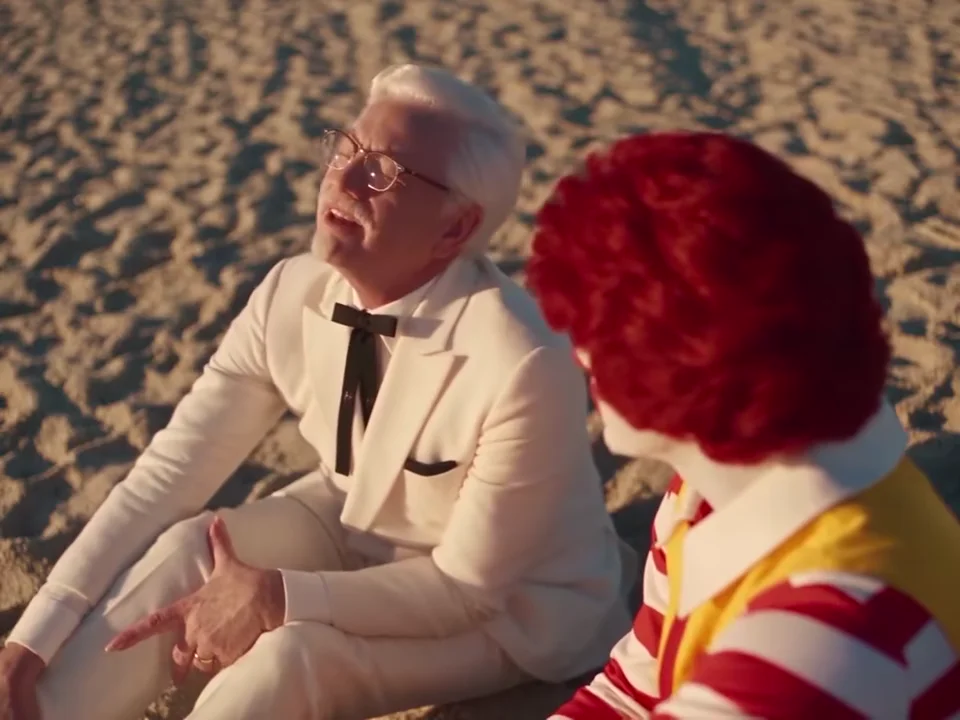
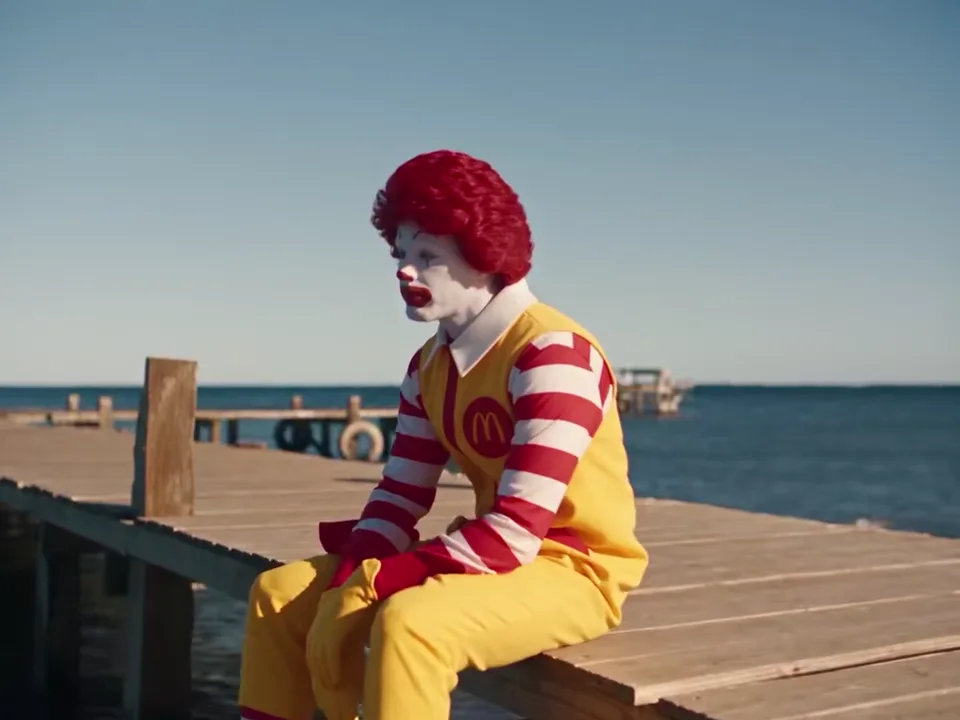
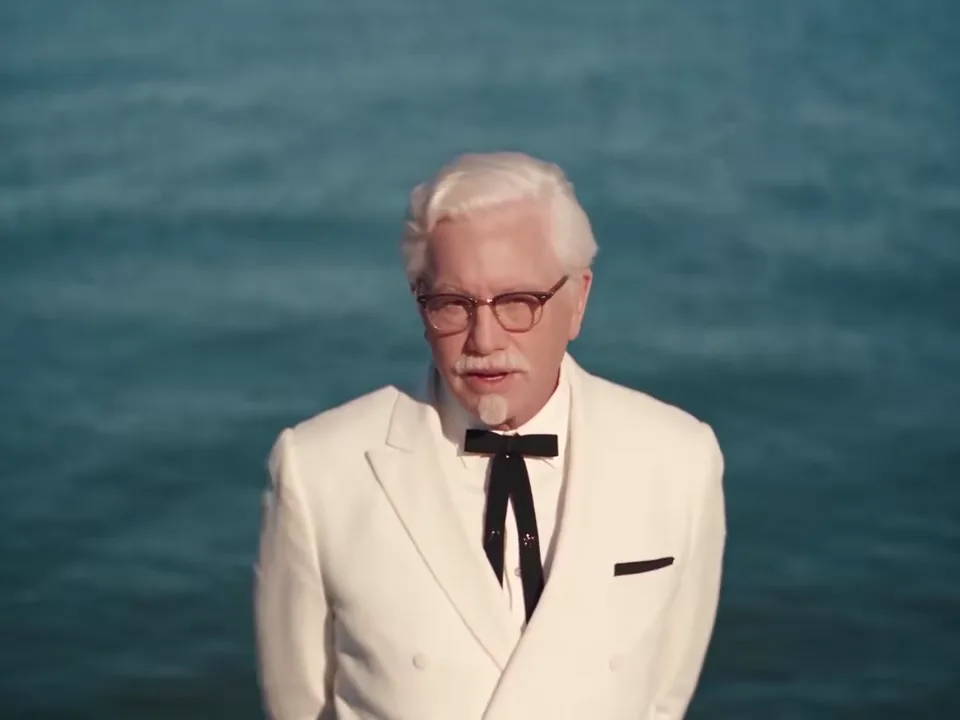
Ronald McDonald & Colonel Sanders

29s

How to Make a Raindance AI Video

  1. 1. Upload a photo for each role

    Add one photo of yourself and one of your partner or friend. Check the role labels beside the preview, and swap the photos if needed.

  2. 2. Choose the duration, model and resolution

    Choose 5, 10, 15 or 30 seconds, a Seedance model and an available resolution, then review the matching preview and credit total. Uploading a photo or changing a setting does not start a paid generation.

  3. 3. Review both people and download

    Play the finished video with sound. Check both faces in the close-ups and shared shots, then download your MP4.

Read the full step-by-step guide: photo tips, models, posting to TikTok and troubleshooting

Preview the Raindance Template

This community remake supplies the scene, camera moves and soundtrack for the template. The preview below shows the first 10 seconds; use the generator to preview your selected duration. Your two photos replace its performers. This is a reference example, not a video generated by this site.

Reference by Tyler (@tyleeeee15) on TikTok

What Is the Raindance AI Trend?

The Raindance AI trend puts two people into a sunny seaside pier performance set to “Raindance” by Dave featuring Tems. One person begins seated on the pier while the other sings most of the close-ups. The pier clips are fan-made AI videos, not footage from the official music video, and “Raindance” itself is not an AI song. This tool uses a prepared two-person reference, so you can make your version from separate photos without filming the scene yourself.

Read the full Raindance AI trend explainer, with a shot-by-shot role breakdown

This is an independent video tool, with no affiliation to the artists or the creators of the reference clip.

Which Photo Goes in Each Role?

Photo 1 replaces the person seated at the beginning. Photo 2 replaces the person who walks in and appears in most of the close-ups. Those roles stay tied to the photos when the camera cuts or the performers change position.

Person 1 · starts seated on the pier
Person 2 · walks in and takes the close-ups

Use one clear person per image. For the close-up role, choose a photo with visible eyes, hair and facial detail. A waist-up or full-body photo gives more information about clothing and proportions. Avoid faces hidden by hands, dark sunglasses or heavy filters.

JPG, PNG or WebP · up to 20 MB each · shorter edge at least 300 px · image ratio 0.4–2.5.

Use photos of yourself or people who have agreed to take part.

Choose a Seedance Model for Your Raindance Video

Choose between Seedance 2.0 Mini, Seedance 2.0 Fast, Seedance 2.0 and Seedance 2.5. All offer 480p and 720p; Seedance 2.0 and 2.5 also offer 1080p. The generator updates the credit total before you submit. Model names and prices alone do not tell you how well a particular pair of faces will hold up across the scene. Review both people through the whole result.

Your Raindance Video and Its Soundtrack

The finished video includes the soundtrack from the selected reference clip. You do not need to find an audio file or line it up in an editor. Mouth movement can still differ from the reference, so listen to the result and check the close-ups before sharing.

Raindance Videos for Partners and Friends

A duet with your partner

Use separate photos to put both of you into the same seaside scene, even if the photos were taken in different places.

A clip for your best friend

Choose who gets the seated role and who gets the close-ups, then make a video to send to each other.

A new take on the same template

Try a different pair of authorized photos while keeping the reference performance. Review each take rather than assuming the same model will reproduce every detail.

Raindance AI Video Pricing

Raindance videos use site credits. The total depends on the duration, model and resolution and is shown before generation. Use the same credit packs or plans as the other tools on this site.

Video length
Raindance AI Video Pricing
Model10 seconds · 480p10 seconds · 720p10 seconds · 1080p
Seedance 2.0 MiniCosts 11 creditsCosts 24 credits—
Seedance 2.0 FastCosts 40 creditsCosts 87 credits—
Seedance 2.0Costs 68 creditsCosts 145 creditsCosts 364 credits
Seedance 2.5Costs 97 creditsCosts 219 creditsCosts 388 credits

A 5-second video starts at 6 credits. Check the selected duration, model and resolution’s total before generating. Creating an account does not by itself include a free completed video.

Free accounts receive a moving watermark. Any purchase unlocks the saved clean original, including videos you have already made.

If the generation task fails, its charged credits are returned. A completed video can still contain visual imperfections, so inspect the result before sharing it.

View credit packs and plans

Choose a Credit Pack or Plan

Raindance videos use site credits. The total depends on the duration, model and resolution and is shown before generation. Use the same credit packs or plans as the other tools on this site.

Starter

$9/mo

For trying the trend

240 credits / month

≈ 10 ten-second Mini 720p videos

  • Watermark-free videos, including ones you already made
  • Failed videos refunded
  • Email support
Popular

Pro

$29/mo

For regular creators

780 credits / month

≈ 32 ten-second Mini 720p videos

  • Watermark-free videos, including ones you already made
  • Failed videos refunded
  • All lengths up to 15 seconds
  • Priority support

Enterprise

$99/mo

For agencies and pages

2,650 credits / month

≈ 110 ten-second Mini 720p videos

  • Everything in Pro
  • Dedicated support
  • Custom integrations

Raindance AI FAQ

Do I need two photos?

Yes. Upload one photo for each of the two roles. The photos can be taken separately; both people do not need to appear in one image.

Can I make it with one photo or only one person?

No. The template has two roles, so it needs one photo for each person. There is no solo mode, and the output is 4:3 rather than native 9:16.

Do I need to write a Raindance AI prompt?

No. The template already contains the role instructions and reference performance. Choose the two photos, review the settings and generate.

Will both faces stay exactly the same throughout the video?

Exact likeness is not guaranteed. Faces, hair, hands and clothing can change, especially during turns and cuts between wide shots and close-ups. Use clear references and review both people through the whole clip.

Does the video include the original song?

The download includes the soundtrack from the selected template reference. It does not generate a new song or clone your voice. Check the finished clip with sound before using it.

How long is the video, and is it vertical?

Choose 5, 10, 15 or 30 seconds in 4:3. All models offer 480p (640 × 480) and 720p (960 × 720); Seedance 2.0 and 2.5 also offer 1080p (1440 × 1080). The default is Seedance 2.5, 10 seconds at 720p. For 30 seconds, Mini, Fast and 2.0 join two 15-second generations; 2.5 uses one generation. The 30-second template holds the source’s final frame for about one second. The preview shows the framing; avoid cropping out a performer when preparing a vertical post.

What happens if generation fails?

If the generation task fails, its charged credits are returned. A completed video can still contain visual imperfections, so inspect the result before sharing it.

Can I use it on my phone?

Yes. Upload the two photos and generate in your browser. No separate editing app is needed to receive the video with its reference soundtrack.

Are my photos shown in a public gallery?

Your uploaded photos are used to make your video and are not added to the public examples on this page. Your generation history and downloads require your account.

How much does a Raindance AI video cost?

A 5-second video starts at 6 credits. Check the selected duration, model and resolution’s total before generating. Creating an account does not by itself include a free completed video.

Will my video have a watermark?

Free accounts receive a moving watermark. Any purchase unlocks the saved clean original, including videos you have already made.

Put the Two of You on the Pier

Choose your two photos, check who plays each role, and preview the Raindance template before generating.

Make my Raindance AI video

Raindance AI guides